

Performance Max Creative Testing Starts Before Spend
Learn how to design Performance Max asset tests, use Google Ads experiments, and validate creative with synthetic personas before launch.

Performance Max now supports asset-level A/B testing that lets you compare two sets of creative assets inside one campaign. You run a controlled asset experiment, let it stabilize, then apply the winning assets. We’ll walk through how to set one up, design it so the results actually mean something, and feed it better creative before you spend a dollar.
TL;DR:
- Change only one creative variable per test, such as image style or video presence, so a winning result identifies what caused the lift.
- Run tests for at least four to six weeks, extending the window for long conversion cycles; a B2B sale can take eight weeks.
- Judge results by conversion value and actual return on ad spend, not clicks or impressions; extend inconclusive tests until the report shows statistical confidence.
- Include varied image orientations and at least one custom video; otherwise, Google may create a video from images that undermines a video versus no video comparison.
- Use a 50/50 split by default, or shift to 70/30 control when an unproven concept carries too much exposure risk.
Table of Contents
- How Performance Max asset experiments actually work
- Step-by-step: set up an asset-level A/B test in Google Ads
- Design tests that produce clear answers
- Creative asset checklist and specs for strong asset groups
- Which metrics actually matter and how to read the Experiment Report
- Troubleshooting common test problems and operational pitfalls
- Pre-launch synthetic-persona testing before you spend
- Reframe creative testing as training the model, not managing it
- How POPJAM fits into your Performance Max testing workflow
- FAQ
- Sources
How Performance Max asset experiments actually work
An asset experiment splits one asset group into two arms: a control (your current assets) and a treatment (the version you’re testing). Both arms share what Google calls common assets, the pieces that stay identical across both groups so you’re isolating one real variable instead of comparing two completely different ad sets.
During the test, Google locks certain assets tied to the experiment so you can’t accidentally edit your way into a contaminated result mid-run. You also get one asset-group experiment at a time per group, so if you’re testing across multiple groups, you’re managing several parallel experiments rather than one big one.
This is different from a campaign-level experiment, which splits budget and targeting across two entire campaigns. Asset experiments stay inside a single campaign and isolate creative, which means:
- You’re not re-testing bidding, budget or audience signals, just the creative itself
- Traffic allocation happens automatically within the shared campaign structure
- Results reflect incremental lift from the specific assets you changed, not from account-level noise
- You can run these more frequently than campaign experiments since the setup overhead is lower
The tradeoff is scope. An asset experiment won’t tell you whether a completely different campaign structure or bidding strategy would outperform what you have. It tells you, cleanly, whether this headline set or that video beats what’s currently running.
Step-by-step: set up an asset-level A/B test in Google Ads
Setting up the test itself takes a few minutes once you know the asset you want to isolate. Here’s the path:
- In Google Ads, go to Experiments in the left-hand menu and select New Experiment.
- Choose Assets as what you want to test.
- Select the Performance Max campaign and the specific asset group you want to run the test on.
- Define your control arm (existing assets) and your treatment arm (the new or modified assets).
- Set your traffic split, typically 50/50 unless you have a reason to weight it.
- Name the experiment clearly, something that tells you what’s being tested six weeks from now.
- Let the Experiment Guidance System set a recommended end date based on your conversion volume and campaign history.
- Launch and monitor.
Once the experiment is live, any assets tied to it get locked, so you can’t tweak them without restarting your data collection. If you introduce brand-new assets in the treatment arm, expect a short policy review before they start serving, the same review any new ad asset goes through.
When the experiment concludes, Google gives you three paths: apply the treatment assets to replace your control (if treatment won), keep the control and end the experiment (if control won or results were inconclusive), or extend the test if you need more data to reach a confident call.
Pro Tip: Name every experiment with the variable and the date range, like “Video-vs-NoVideo_Oct-Nov,” so six months from now you can actually find and reuse what you learned.
Design tests that produce clear answers
A test only teaches you something if you build it to isolate one variable. Change the images, the headlines, and the video all in the same treatment arm, and a win tells you nothing about which change actually drove it.

Pick one meaningful variable per test: image style, the presence or absence of video, or a messaging concept (benefit-led versus feature-led copy, for example). Resist the urge to also swap your call-to-action and your color palette at the same time, even though it’s tempting when you’re already in the asset group making changes.
Timing matters as much as isolation. Google recommends running asset experiments for several weeks to allow sufficient data to accumulate, and that window should stretch further if your conversion cycle runs long. A B2B software purchase that takes eight weeks to close needs an experiment that runs at least that long, or you’ll be making decisions on partial data.
- Default to a 50/50 traffic split unless one arm carries meaningfully higher risk (a brand-new concept you want to limit exposure on)
- Weight the split toward control (70/30) when testing something experimental you’re not ready to scale blind
- Rerun a test if results are directionally positive but not statistically conclusive by the recommended end date
- Iterate on a winning treatment by making it the new control and testing the next variable against it
Pro Tip: Keep a running log of every test’s hypothesis, variable, and outcome. Patterns across tests (not any single result) are what actually teach you what your audience responds to.
Creative asset checklist and specs for strong asset groups
Before you even get to testing, your baseline asset group needs enough raw material to generate a meaningful treatment arm. Google’s spec guidance points to a few benchmarks worth hitting:
- Headlines: aim for 11 or more (minimum 3, maximum 15), plus 2 or more long headlines for more context-rich placements
- Descriptions: at least 4, written with enough variation that they don’t read as the same sentence reworded
- Images: a mix of landscape, square, and portrait orientations, not just one crop reused everywhere
- Logo: a clean, high-resolution version uploaded separately from your other image assets
- Video: at least one custom video uploaded; skip it and Google auto-generates one from your images, which rarely matches your actual creative intent
That last point matters more than it sounds. If you’re running a video-versus-no-video test, an auto-generated video in your control arm muddies the comparison, since you’re no longer testing “video or not” but “intentional video or accidental video.” Upload something real for both arms or suppress video entirely on the control side.
Hitting these counts is also what Google’s ad strength indicator rewards with a Good or Excellent rating, which correlates with the algorithm having more combinations to test internally before your formal experiment even starts.
Which metrics actually matter and how to read the Experiment Report
Clicks and impressions will move around during a test. That’s noise, not signal. The numbers worth watching are conversion volume, conversion value, and actual ROAS, because those are the outcomes tied to revenue rather than attention.
Prioritize conversion value and ROAS over click-through rate when reading results. Google’s own optimization guidance for Performance Max points advertisers toward conversion value and actual ROAS as the metrics that should drive decisions, especially when a campaign is running Maximize Conversion Value or a target ROAS bid strategy.
The Experiment Report inside Google Ads shows you whether a result has reached statistical sufficiency, meaning the sample size is large enough that the difference between arms isn’t likely to be random chance. Look for the report’s confidence indicator next to the primary metric you set the experiment up to measure.
- If the treatment wins with sufficient confidence, apply it and make it your new control
- If the control wins, end the experiment and keep what’s working
- If results are inconclusive, extend the run or add more treatment assets to strengthen the signal
- If spend was too thin to reach a conclusion, revisit budget or audience signals before rerunning
A test that ends inconclusive isn’t wasted. It tells you the variable you picked wasn’t strong enough to move the needle, which is useful information for what to test next.
Troubleshooting common test problems and operational pitfalls
A handful of issues show up again and again once advertisers start running asset experiments, and most have quick fixes.
- Locked assets and shared limits: since control and treatment share the same asset-group ceiling, adding a full treatment set can push you over the maximum asset count, which blocks setup. Trim lower-performing control assets before adding new treatment ones.
- Final URL expansion serving odd pages: if Google is sending traffic to pages you didn’t intend, check whether URL expansion is enabled and either exclude specific pages or turn it off for the duration of the test.
- Low or skewed spend: thin budgets or narrow audience signals can starve one arm of traffic. Widen your audience signals (remarketing lists, Customer Match, similar segments) to give the algorithm more to work with, and confirm your budget can actually support both arms running simultaneously.
- Policy rejections on new assets: run new creative through a basic compliance check (claims, restricted content, image text limits) before launch, since a rejected treatment asset mid-test forces a restart.
- Merchant Center or Business Profile mismatches: if you’re running a feed-based Performance Max campaign, confirm final URLs match your Merchant Center data and allow 24 to 48 hours after any recent profile sync before troubleshooting further.
Pre-launch synthetic-persona testing before you spend
Most of the noise in asset experiments traces back to one thing: weak treatment arms. When the variable you’re testing was a guess rather than something validated beforehand, you’re spending five or six weeks of live budget to learn what a faster pre-check could have told you.
A pre-launch workflow looks like this: generate several creative variants, validate them against synthetic personas built from your actual customer segments, prioritize the versions that score well on relevant psychographic dimensions, then export only the strongest candidates into your Performance Max asset group as the treatment arm.
- This front-loads the learning that would otherwise happen slowly inside the live experiment
- It reduces creative fatigue by filtering out weak concepts before they ever see a real impression
- It raises the odds that your treatment arm actually beats control, since you’re not testing a coin flip anymore
- Templates and tooling for this kind of pre-launch workflow are outlined in our guide to combining Google Ads experiments with persona testing
For video-specific creative, a similar pre-launch approach applies before running a video asset test inside Performance Max.
Reframe creative testing as training the model, not managing it
Here’s the shift that actually changes how you test: stop treating Performance Max experiments as a way to control delivery and start treating them as a way to feed the system better raw material. The algorithm responds to the quality of inputs you give it, not to how tightly you try to steer it after launch.
Single-variable testing and pre-launch validation both serve the same goal: higher-quality assets entering the experiment in the first place. That’s the lever worth pulling.
— Doruk
How POPJAM fits into your Performance Max testing workflow
We built POPJAM to sit right before the step where you commit real budget, following expert Google Ads Performance Max best practices to optimize your campaigns effectively. Generate ad variants, test them against synthetic buyer personas that react the way your actual segments do, and export only what scores well straight into your Performance Max asset groups as a treatment arm worth running.
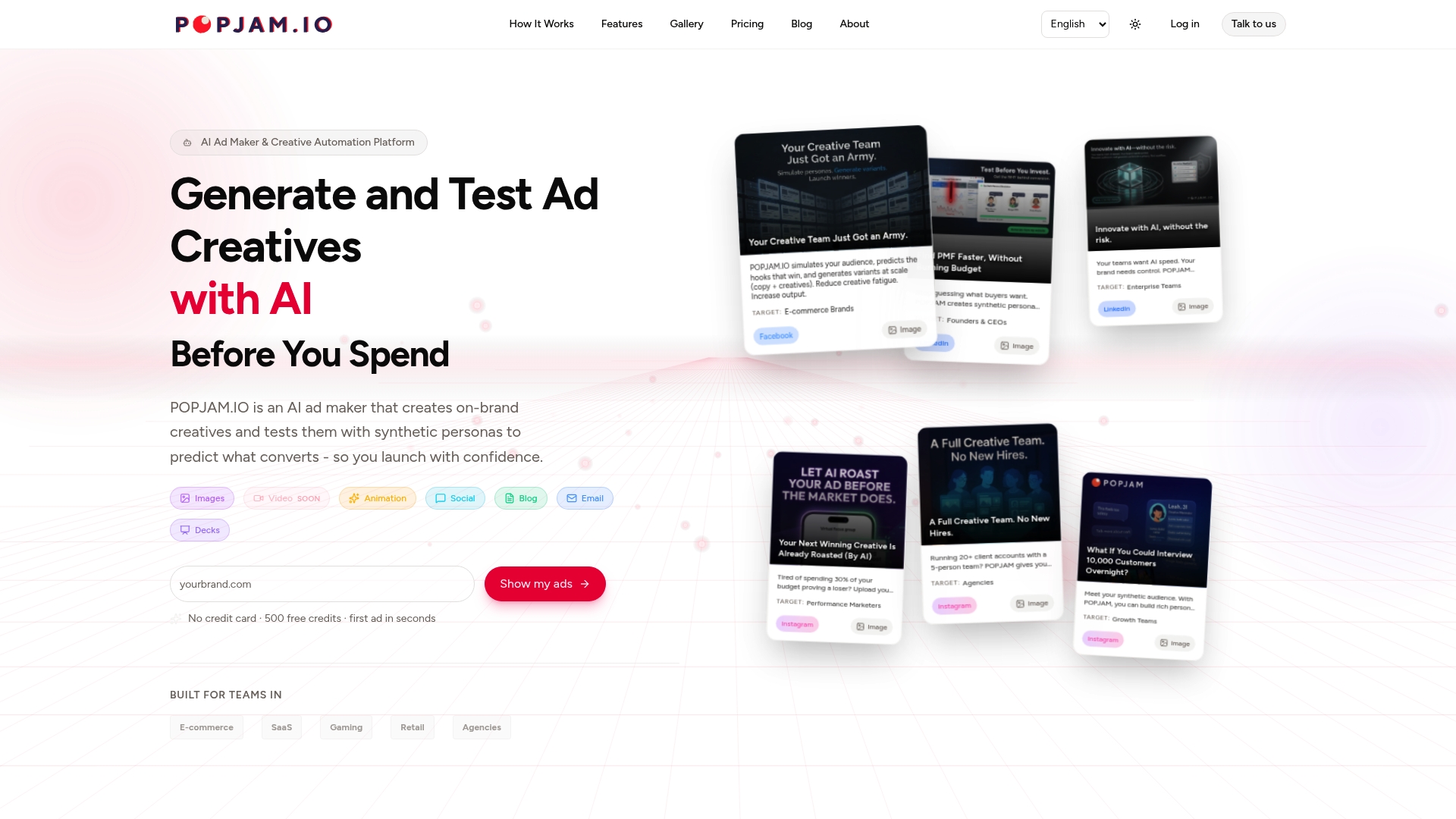
That means fewer weak treatment arms, less wasted spend proving out concepts that were never going to win, and a tighter feedback loop between what you create and what you test live.
- Start with our free ad testing tool to validate a creative concept before it enters a live experiment
- Explore plans and credit packs once you’re ready to run this at scale, starting at 29 € per month on the Starter plan
- Generate and export assets directly with our AI ad maker built for pre-launch validation
FAQ
Is Performance Max worth it?
Performance Max works best when you feed it strong, varied creative and give experiments enough time to reach statistical confidence rather than judging early. Combined with disciplined asset testing, it gives you a controlled way to prove whether specific creative changes actually lift conversion value.
How long does it take for Performance Max to work?
Google recommends allowing asset experiments to run for a minimum of four to six weeks, with longer windows for businesses with extended conversion cycles. Judging results before reaching that window risks reacting to noise instead of a real signal.
How much does Google Performance Max cost?
Performance Max doesn’t carry a separate platform fee beyond your standard Google Ads spend, since it’s a campaign type rather than a paid product. Your actual cost depends on your bid strategy, budget, and competition in your market.
What do Pmax ads look like?
Performance Max ads assemble automatically from the assets you upload, including headlines, descriptions, images, logos, and video, shown across Search, Display, YouTube, Discover, Gmail, and Maps. Strong asset groups typically include 11 or more headlines, multiple image orientations, and at least one custom-uploaded video to avoid relying on auto-generated creative.
Sources
- About Performance Max optimization experiments: A/B testing assets
- Optimization tips for Performance Max campaign for all business types - Google Ads Help