

How to Make a Commercial with AI in 2026
Learn how to make a commercial with AI in 2026. Automate video ads, cut costs, and produce professional content in under an hour!

AI commercial creation is the process of using AI-driven tools to automate video ad production from concept to final export, replacing traditional studio workflows that cost thousands of dollars. You can now produce a ready-to-upload 30-second spot in under an hour for under $5, compared to the $5,000–$40,000 a small production company charges. That shift is not incremental. It changes who gets to advertise and how fast they can test ideas. This guide walks you through every step, from gathering assets to exporting your final cut, so you can make a commercial with AI without wasting budget or time.
What tools do you need to make a commercial with AI?
The right toolkit determines whether your output looks professional or generic. You need four categories of tools working together: image generation, video animation, voiceover, and post-production.
Here is what each category covers:
- AI image generators create high-resolution keyframes from text prompts or product photos. These are the visual foundation of your commercial.
- AI video models animate those keyframes into motion clips. Models vary widely in cost and capability.
- AI voiceover engines convert your script into natural-sounding narration without hiring a voice actor.
- Post-production editors assemble clips, add music, sync captions, and export the final file.
Asset quality matters as much as tool choice. High-resolution, neutral-background photos are the single most important input you can provide. AI video models cannot invent details that are absent from your source image. If your product photo is blurry or cluttered, the output will reflect that.
| Category | Purpose | Example use case |
|---|---|---|
| AI image generator | Create keyframes from prompts or product photos | Generate a hero shot of your product |
| AI video model | Animate keyframes into motion clips | Add a slow camera pull-back to a product scene |
| AI voiceover engine | Convert script to narration audio | Record a 15-second product pitch without a studio |
| Post-production editor | Assemble, caption, and export | Sync audio, add captions, export for TikTok |
| Caption tool | Auto-generate subtitles | Improve performance on muted autoplay feeds |

Pro Tip: Upscale any product image to at least 1920x1080 pixels before feeding it into a video model. Low-resolution inputs produce warped edges and inconsistent lighting across clips.
For marketers comparing AI ad creative tools, the key differentiator is not features. It is how well each tool handles visual consistency across multiple shots.
How do you structure a commercial narrative for AI generation?
The narrative structure you write before touching any AI tool determines whether your commercial converts or just looks nice. A 7-beat structure is the industry standard for short-form video ads.
- Pattern interrupt — Open with something unexpected. Stop the scroll in the first two seconds.
- Problem — Name the pain your audience feels. Be specific, not generic.
- Discovery — Introduce your product as the answer.
- Use case — Show the product in a real, believable context.
- Transformation — Contrast the before and after. Make the benefit visual.
- Hero shot — One clean, high-quality shot of the product at its best.
- Call to action — Tell the viewer exactly what to do next.
Marketing experts stress that pre-planning these beats before generation is the single highest-leverage step in the entire workflow. Without a defined structure, AI tools fill gaps with generic filler content that kills conversion rates.
Define your audience, platform, and video length before you write a single prompt. A 15-second TikTok ad needs a different pacing than a 30-second YouTube pre-roll. The AI does not know your audience. You do.
Pro Tip: Write your 7-beat structure as a one-sentence description per beat. Paste it directly into your AI scriptwriting tool as a brief. The more specific your input, the less generic your output.
An effective brand strategy built around a clear audience profile makes this step significantly faster. When you know exactly who you are talking to, the narrative writes itself.
Step-by-step process to create AI commercials from keyframe to final video
This is the full production workflow. Each phase has a defined time cost so you can plan your session realistically.
-
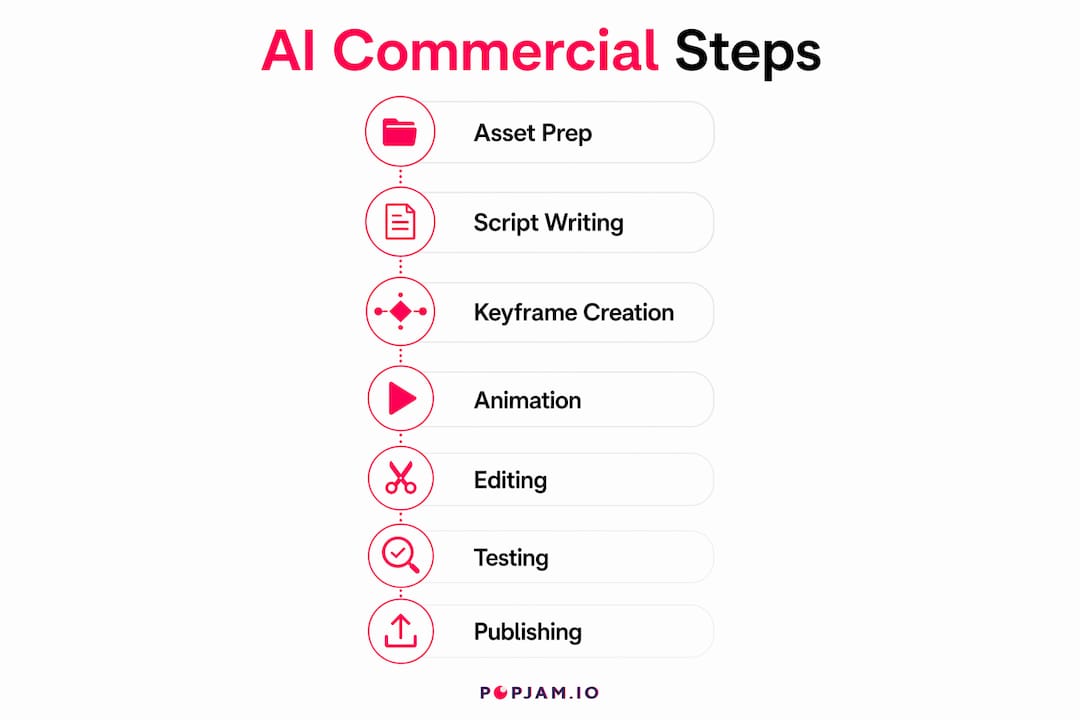
Prepare your assets. Gather your product photos, brand colors, logo, and a one-paragraph product brief. Upscale any images that are below 1920x1080.
-
Write your script. Use your 7-beat structure to write a 75–90 word script for a 30-second spot. Keep sentences short. Each sentence maps to one visual beat.
-
Generate keyframes. Feed your product photo and scene descriptions into an AI image model. Generate one keyframe per narrative beat. Aim for visual consistency across all shots by keeping lighting and background style identical in every prompt.
-
Animate keyframes into clips. Upload each keyframe to an AI video model. Describe only camera movement and speed in your prompt. Do not redescribe the product’s appearance. The model inherits visual content from the uploaded image. This is the most common mistake beginners make.
-
Generate voiceover. Paste your script into an AI voiceover engine. Choose a voice that matches your brand tone. Export as an MP3 or WAV file.
-
Assemble in post-production. Import your clips and voiceover into a video editor. Sync audio to visuals. Add background music at a lower volume than the voiceover. Post-production for a 30-second spot takes approximately 11 minutes of hands-on time when you use AI-assisted tools for layout, timing, and captioning.
-
Add captions. Ads without captions perform poorly on TikTok and Instagram, where autoplay mutes video by default. Use an auto-caption tool and review for accuracy before export.
-
Export and review. Export at 1080p minimum. Watch the full video once with sound off to check caption accuracy and visual flow.
| Phase | Task | Approximate time |
|---|---|---|
| Prep | Asset gathering and upscaling | 10–15 minutes |
| Script | 7-beat narrative writing | 10–15 minutes |
| Keyframes | AI image generation | 10–20 minutes |
| Animation | Video model clip generation | 10–20 minutes |
| Post-production | Assembly, audio, captions, export | 10–15 minutes |
Pro Tip: Lock your keyframes in narrative sequence before animating. Scene planning with multiple keyframes in sequence maintains brand consistency and prevents visual drift across clips.
What are the most common challenges in AI commercial creation?
Even with a solid workflow, you will hit friction points. Knowing them in advance saves hours of re-generation.
- Product visual drift. Your product looks different from clip to clip. This happens when you describe the product in animation prompts instead of letting the keyframe carry the visual. Fix: describe only motion, never appearance.
- Warped edges on straight-lined products. Bottles, boxes, and screens warp when the video model lacks strong camera tracking. Fix: choose a video model with strong camera tracking for product shots with straight edges.
- Generic script output. AI scriptwriting tools default to clichés when given vague briefs. Fix: include your audience’s specific pain point, your product’s one key benefit, and the exact platform in your brief.
- Overlong videos. AI-generated scripts often run long. Fix: cut any sentence that does not map directly to one of your 7 narrative beats.
- Budget overruns on video models. Model costs vary dramatically. Entry-level models cost as little as $0.85 per 5-second clip, while advanced multi-shot models can cost $13 per clip. Fix: use entry-level models for simple single-shot scenes and reserve premium models for your hero shot only.
The cost gap between AI and traditional production is still striking. Creating 50 ad variants traditionally costs $7,500–$10,600. With AI-assisted creation, the same output costs under $200 on paid platforms. That math makes iteration affordable for any budget.
Pro Tip: Generate three versions of your hero shot clip using different motion prompts. Pick the best one. The cost difference between one clip and three is minimal, but the quality difference is often significant.
Key takeaways
AI commercial creation delivers professional video ads faster and cheaper than any traditional production method, but only when you combine a structured narrative with quality input assets.
| Point | Details |
|---|---|
| Narrative structure first | Write your 7-beat script before opening any AI tool to avoid generic output. |
| Asset quality drives output | Use high-resolution, neutral-background product photos as your keyframe foundation. |
| Motion prompts only | Describe camera movement in animation prompts, never product appearance, to prevent visual drift. |
| Captions are non-negotiable | Add auto-captions to every ad for muted autoplay performance on TikTok and Instagram. |
| Budget by model tier | Use entry-level video models for simple shots and premium models only for hero shots. |
The part most marketers skip entirely
Here is my honest take after watching hundreds of AI-generated commercials: the technology is not the bottleneck. The thinking is.
Most marketers jump straight into generation because the tools are fast and fun. They skip the brief. They skip the narrative structure. They generate 20 clips and then try to edit them into something coherent. That is working backward. The AI is an assistant, not a strategist. Human input remains vital in narrative and edit decisions, and no model is going to fix a vague brief after the fact.
The marketers who get the best results treat themselves as directors. They write the brief. They plan the shots. They review every clip with a critical eye before assembly. The AI handles execution. The human handles judgment.
The other thing I see people underestimate is testing. Generating a commercial is step one. Knowing whether it will actually convert before you spend media budget is step two. That is where most teams leave money on the table. They post and pray instead of running the creative through a structured review process first. The digital marketing creative process has changed enough that testing is now as fast as production. There is no excuse to skip it.
AI commercial creation will keep getting cheaper and faster. The teams that win will not be the ones with the best tools. They will be the ones who combine clear thinking with fast iteration.
— Doruk
POPJAM makes AI ad creation and testing faster
You have the workflow. Now you need a platform that handles generation and testing in one place.
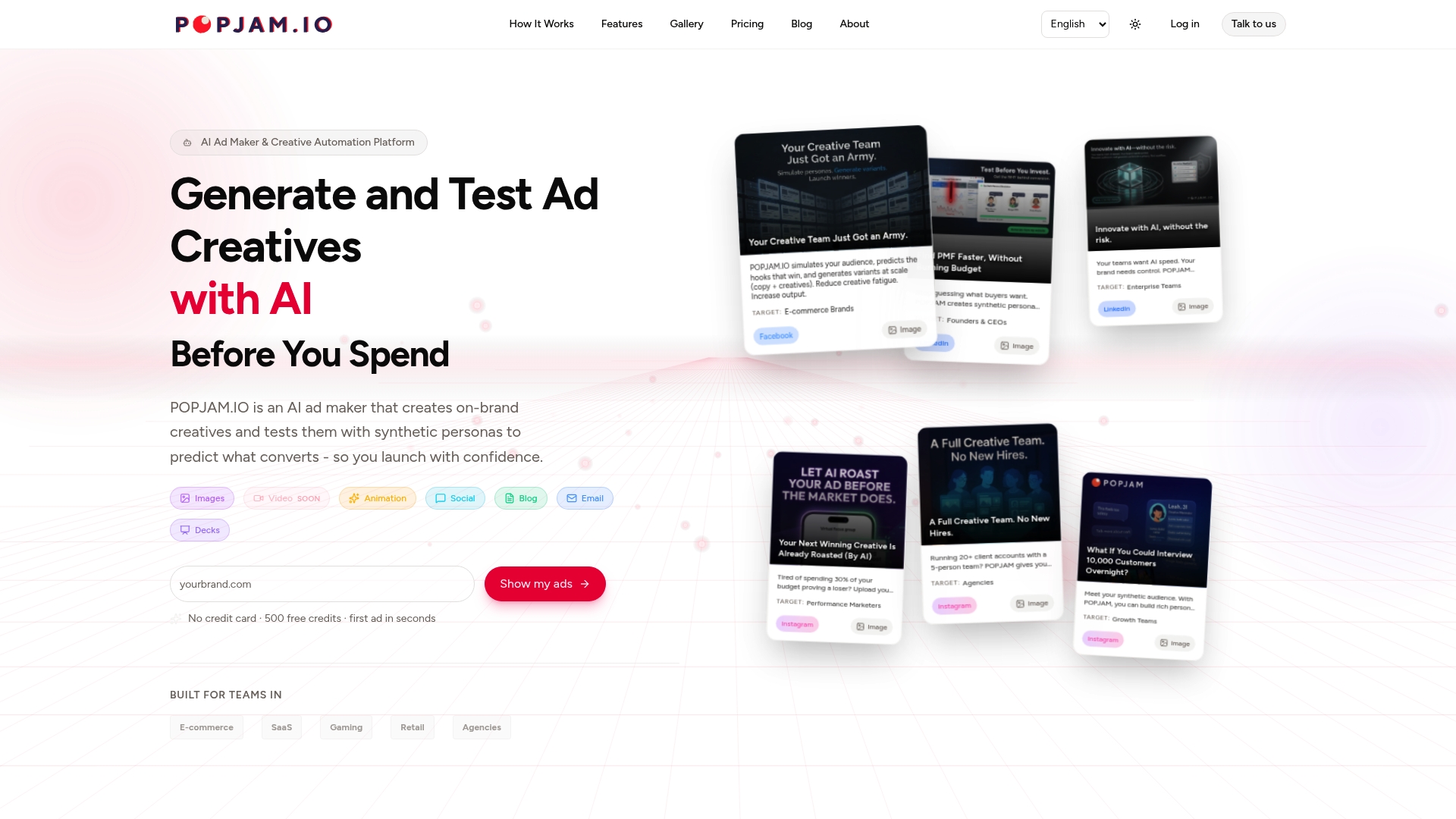
POPJAM is built specifically for e-commerce brands, SaaS teams, and agencies that need to produce on-brand ad creatives and validate them before spending media budget. The platform generates multi-variant ad creatives and tests them against Synthetic Personas, which are AI-simulated buyer profiles built from real psychographic data. You get audience reaction data before a single dollar goes to paid distribution. That means fewer wasted creatives and faster iteration cycles. If you are ready to move from production to performance, the POPJAM AI ad maker gives you both in one workflow.
FAQ
How much does it cost to make a commercial with AI?
A ready-to-upload 30-second AI commercial can cost under $5 in total tool fees, compared to $5,000–$40,000 for a traditional small production company. Costs vary by video model, with entry-level options starting at $0.85 per 5-second clip.
Can I make a commercial with AI for free?
Several AI tools offer free tiers for image generation, voiceover, and basic video editing. Full production workflows with premium video models typically cost a small per-clip fee, but the total is far below traditional production costs.
What is the 7-beat narrative structure for AI commercials?
The 7-beat structure covers pattern interrupt, problem, discovery, use case, transformation, hero shot, and call to action. Marketing experts identify this structure as the core framework for avoiding generic filler and improving conversion rates in AI-generated ads.
How do I prevent my product from looking different across clips?
Describe only camera movement in your animation prompts, never the product’s appearance. The video model inherits visual content from your uploaded keyframe, so redescribing the product introduces inconsistency.
How long does it take to produce an AI commercial?
A full 30-second AI commercial, from asset prep to final export, takes under an hour. Post-production alone takes approximately 11 minutes of hands-on time when using AI-assisted captioning, layout, and audio tools.