

B2B Ad Teams: Test Audience First on LinkedIn to Cut Creative Waste
Prioritize audience, then offer, then creative for LinkedIn A/B tests. Run tests at least 14 days and prevalidate concepts with persona tests to cut...
LinkedIn ad testing means running structured A/B experiments that compare two campaign variants to see which one performs better on a metric you define ahead of time. The single highest-impact rule: validate your audience and offer before you ever touch creative. Run each test for at least a couple of weeks, tie your primary KPI to a real business outcome like cost per lead, and resist the urge to declare a winner before the data catches up.
TL;DR:
- Testing audience segments first yields larger performance differences than creative or offer tweaks, making it the most impactful variable.
- Campaigns should run for at least two weeks with a confidence level of 90% or higher to obtain reliable results.
- Sequential testing of audience, then offer, and finally creative, ensures clearer signals and more effective optimization.
- Manual split tests benefit from campaign duplication or algorithm-based optimization, but early false signals require careful monitoring and adjustments.
- Using pre-launch creative validation tools can reduce wasted spend on weak concepts before entering live experimental phases.
Table of Contents
- What Is LinkedIn Ad Testing and Which Method Should You Use?
- Why Test Audience Before Offer and Creative
- How Do You Set Up an A/B Test in Campaign Manager?
- Manual Split Testing: Avoiding the Algorithm Bias Trap
- Choosing KPIs and Reading Statistical Significance
- Why LinkedIn Ad Tests Go Inconclusive (and How to Fix Them)
- Where Pre-Launch Creative Validation Fits in the Workflow
- What Testing on LinkedIn Actually Teaches You
- Cut Wasted Spend Before Your Next Layer 3 Test
- Where to Go Deeper on LinkedIn Experimentation
- Sources
- FAQ
What Is LinkedIn Ad Testing and Which Method Should You Use?
A true A/B test isolates one variable while holding everything else constant. Change the audience, the offer, or the creative, but never more than one at a time, or you won’t know which change moved the needle. A multivariate test changes several elements at once and needs a much bigger sample to produce clean signal, which is why most teams should stick to single-variable A/B tests.
For method, Campaign Manager’s built-in A/B Testing API automatically splits budget and audience between two campaign cells, which removes a lot of manual error. Manual duplication or multi-ad campaigns work fine for quick creative checks but demand more hands-on monitoring.
Variables worth testing, roughly in order of impact:
- Audience: matched audiences, job function stacks, or company size bands
- Offer: gated content, demo request, free trial, or discount
- Ad format: single image, carousel, document ad, or short-form video
- Creative elements: headline, image, CTA button copy
- Bidding objective and placement: cost cap versus maximum delivery, feed versus audience network
Why Test Audience Before Offer and Creative
Audience explains more performance variance than any other variable in a LinkedIn campaign, which is why practitioner frameworks recommend testing it first, before you ever touch the ad itself. A matched audience built from your CRM data will almost always outperform a generic job-title stack, and you want to know that before you spend another dollar optimizing a headline that was never going to matter.
The layered sequence that produces the clearest signal looks like this:
- Layer 1, audience. Split an identical offer and creative across two audience definitions (say, a matched list versus interest-based targeting) with equal budgets for at least two to four weeks.
- Layer 2, offer. Lock in the winning audience, then test two offers (a demo request versus a gated report, for example) using the same creative and budget split.
- Layer 3, creative. Lock in the winning audience and offer, then test headline, image, or format variations.
Each layer needs identical constants everywhere except the one variable being tested, and each needs its own clean run before you move on. Stop a layer once you’ve hit your confidence threshold or your minimum run length, whichever comes later, then carry the winner forward as the new constant.
Pro Tip: Resist testing creative first just because it’s the fastest one to produce. A stunning ad on the wrong audience still loses to a mediocre ad on the right one.
This sequencing mirrors the layered approach outlined in B2B experimentation guides, and it consistently produces more usable pipeline signal than starting with minor creative tweaks.
How Do You Set Up an A/B Test in Campaign Manager?
Inside Campaign Manager, you create an experiment, define two campaign cells (control and variant), and pick the metric you’ll judge them on before launch, not after. LinkedIn’s documentation walks through the experiment creation flow and includes validation endpoints that flag setup problems, like uneven budget splits or overlapping audiences, before they poison your results.
A few parameters matter more than the rest:
- Set your confidence level to at least 90% where your budget allows it, since LinkedIn’s own A/B testing documentation recommends higher confidence thresholds for reliable reads.
- Schedule a minimum run of 14 days to capture a full weekday and weekend cycle; smaller audiences may need to run up to 90 days to reach a usable sample.
- Check the minimum detectable effect before launch. If your sample can only reliably detect a 20-point swing, a 5-point difference between variants will look inconclusive no matter how long you wait.
- Run the validation endpoint check and fix any warnings about unequal delivery or budget imbalance before you trust a single data point.
Treat the setup phase as seriously as the analysis phase. A misconfigured experiment produces numbers that look precise and mean nothing.
Manual Split Testing: Avoiding the Algorithm Bias Trap
Manual testing means duplicating a campaign to run two audiences head to head, or placing multiple ad variants inside a single campaign and letting LinkedIn’s delivery algorithm decide how much budget each one earns. Duplicate campaigns give you cleaner separation for audience or offer tests. Multiple variants in one campaign work better for fast creative checks, because the algorithm shifts spend toward the stronger performer in near real time.
Here’s the trap: setting delivery to “rotate evenly” sounds fair, but it wastes budget by force-feeding impressions to a losing variant long after the data has spoken. Letting LinkedIn “optimize for performance” is usually the more efficient choice, but it needs daily eyes on the account, because uneven delivery can also mean an early false signal that self-reinforces before you have enough volume to trust it.
A short daily checklist keeps this honest:
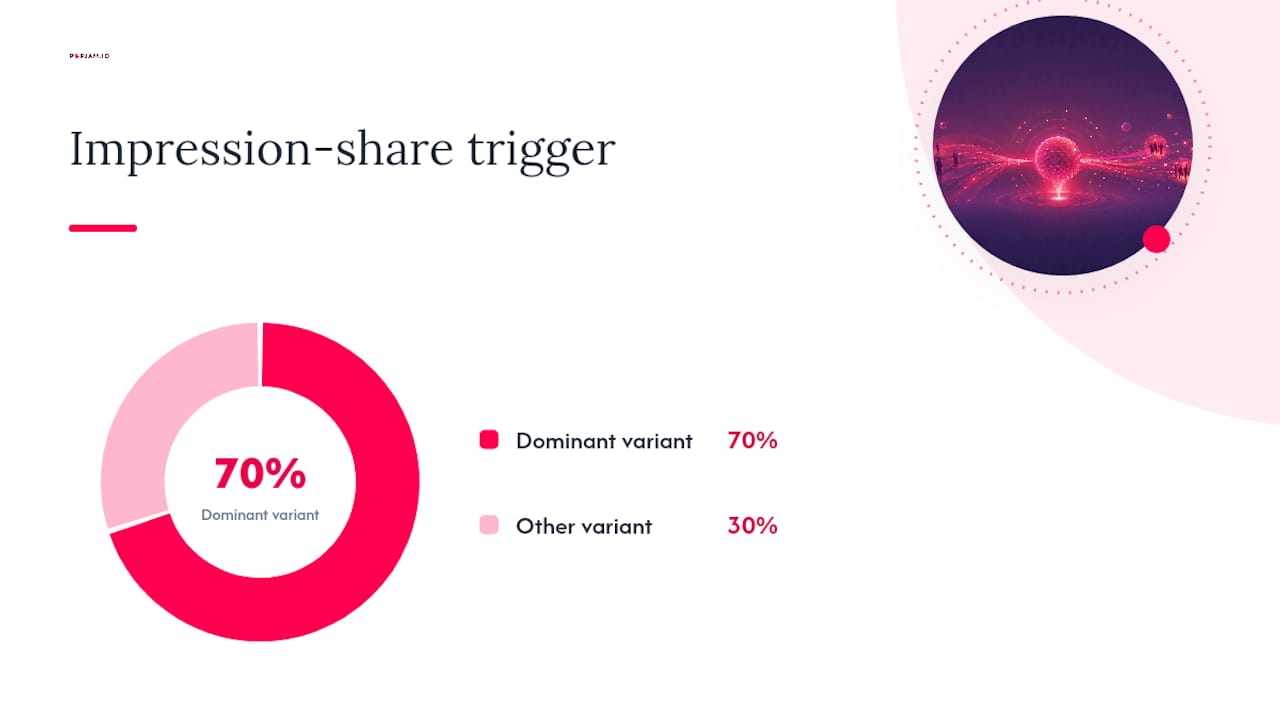
- Compare impression share between variants; a swing past 70/30 within the first 48 hours deserves a second look, not a conclusion
- Check spend pacing so one variant isn’t quietly starved
- Confirm both variants are still active and haven’t been paused by frequency caps or relevance issues
Give it the full run before you touch the budget split.*
Choosing KPIs and Reading Statistical Significance
Pick a primary KPI tied to an actual business outcome, not a vanity metric. Cost per lead, cost per conversion, or a straight conversion rate will tell you far more than click-through rate alone, because CTR can rise while lead quality quietly drops.
Sample size decides whether your result means anything. LinkedIn’s guidance points to minimum detectable effect as the real gatekeeper: a common reference threshold is around 8 to 10 percent, meaning your test needs enough impressions, clicks, and conversions to reliably spot a difference that size.
Statistic callout: Hitting a strict 95% confidence level on LinkedIn is often cost-prohibitive for mid-size budgets, which is why many practitioners lean on directional testing tied to CRM outcomes instead of waiting for a textbook-perfect p-value.
Practical reading rules:
- A confidence interval that straddles zero means “no detectable difference yet,” not “no difference exists”
- A directional win (better on every metric, just short of full confidence) is often good enough to act on if your CRM data backs it up
- Never judge a test on day three; early swings almost always regress toward the mean
Why LinkedIn Ad Tests Go Inconclusive (and How to Fix Them)
Most inconclusive tests trace back to a handful of repeat offenders: stopping the test the moment one variant pulls ahead, testing a low-impact creative tweak before you’ve locked in audience and offer, letting two audiences overlap so LinkedIn’s algorithm cannibalizes its own reach, or splitting budget unevenly between cells without realizing it.
Recovery is usually straightforward. Extend the run if you stopped early. Rebuild the audience split if overlap contaminated the sample. If a clean statistical read is out of reach on your budget, pivot to directional testing and weigh the result against actual CRM pipeline data, since the ad that wins on CTR doesn’t always win on opportunity rate.
Build in future-proofing before your next test, not after this one fails:
- Log every test’s hypothesis, variables, and dates in one place
- Connect campaign results to CRM stages, not just LinkedIn’s native reporting
- Write the hypothesis down before launch, so you’re not rationalizing the result after the fact
Where Pre-Launch Creative Validation Fits in the Workflow
By the time you reach Layer 3, creative testing, you’ve already spent real budget confirming audience and offer. That’s exactly where pre-launch validation earns its place. Running creative concepts through synthetic persona simulation before they hit live spend, the approach behind POPJAM’s ad testing tools, filters out the weak concepts before they ever burn an impression.
The right sequencing: confirm audience and offer live on LinkedIn first, then pre-validate a shortlist of creative directions with synthetic feedback, and only launch the strongest two or three into your Layer 3 test. That cuts down the noise a live experiment has to sort through, and it means fewer wasted cycles on creative that never had a chance.
What Testing on LinkedIn Actually Teaches You
Here’s what most guides skip: statistical purity is a luxury, not a requirement. If your budget can’t support a clean 95% confidence read, that doesn’t mean skip testing, it means test directionally and trust CRM outcomes over CPL alone. A cheap lead that never converts to pipeline was never actually cheap.
Document every test, win or lose. The pattern across ten documented tests teaches you more than any single “winning” ad ever will.
— Doruk
Cut Wasted Spend Before Your Next Layer 3 Test
Every layer of testing costs real budget, and creative is usually where the most money gets burned on concepts that never had a shot. There are tools that offer pre-launch ad creative testing using synthetic personas, letting you see how a concept lands with your target segments before it ever reaches a live LinkedIn campaign. That’s a different starting point than the guesswork most teams run on: you walk into your Layer 3 creative test already knowing which two or three concepts are worth the spend.
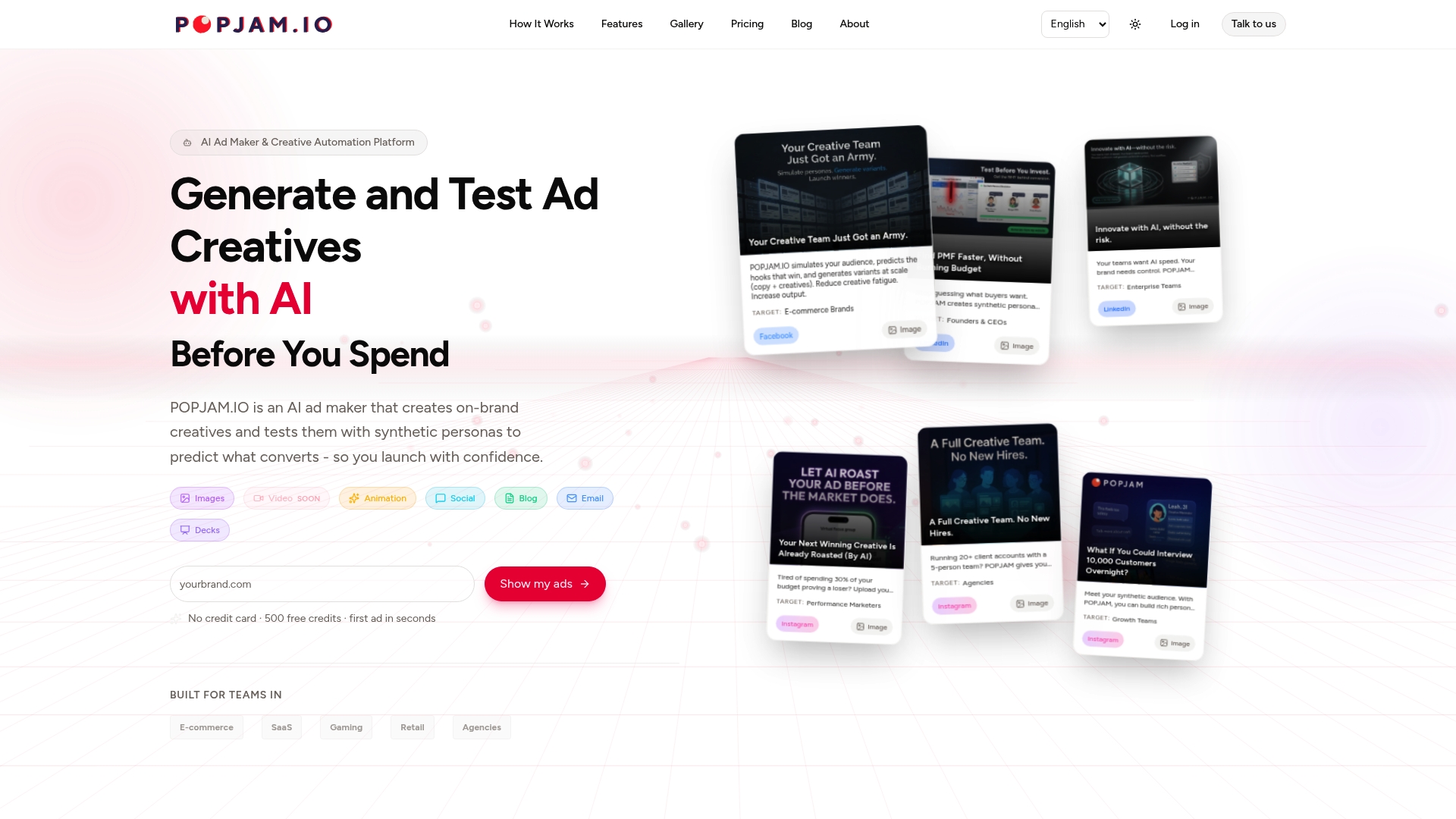
Some platforms support full creative lifecycle automation with brand-specific generation and platform-native exports, so what you validate is what you actually launch, not a rough draft that gets reworked before it goes live. Plans start with a Free tier, and paid tiers run from Starter at €29 per month up through Essential and Business, with full pricing details here. If you’re heading into a creative test soon, run your shortlist through POPJAM’s AI ad generator first and see which concepts survive contact with a simulated audience before they meet a real one.
Where to Go Deeper on LinkedIn Experimentation
For hands-on configuration, LinkedIn’s own A/B Testing API documentation covers experiment creation and validation checks in full detail. For sequencing strategy, the B2B experimentation guide from CXL lays out the audience-offer-creative layering. Once a winning variant clears testing, a marketing automation checklist helps route it into nurture workflows without losing momentum.
- LinkedIn A/B Testing API and Campaign Manager documentation
- CXL’s B2B LinkedIn Ads experimentation guide
- Search Engine Land’s roundup of 2026 test priorities
Sources
- LinkedIn A/B Testing API - LinkedIn | Microsoft Learn
- The scientific approach to Linkedin Ads: a B2B marketer’s experimentation guide
- How to A/B Test LinkedIn Ads for Better Performance - Aimers Blog
FAQ
What Is the 3/2/1 Rule on LinkedIn?
The 3/2/1 rule is a content mix guideline, not a paid-testing rule: three educational posts, two engagement posts, and one promotional post per content cycle. It applies to organic LinkedIn strategy, not to A/B testing methodology, though the same discipline (testing offer mix before creative polish) carries over to paid campaigns.
What Is the 95/5 Rule on LinkedIn?
The 95/5 rule holds that roughly 95% of your target buyers aren’t actively in-market at any given moment, while only about 5% are ready to buy right now. It’s a reason to test audience and offer for awareness goals, not just conversion goals, since most of your reach is building future demand rather than capturing it today.
What’s a Good CTR for LinkedIn Ads?
There’s no single benchmark that holds across every industry and format, since CTR varies by audience size, creative format, and objective. Judge CTR against your own campaign history and your primary KPI, like cost per lead, rather than an external number, since a high CTR with poor lead quality isn’t actually a win.
How Much Does It Cost to Run Ads on LinkedIn?
LinkedIn ad costs vary by bid type, audience competitiveness, and objective, and LinkedIn doesn’t publish a fixed rate card. If you’re validating creative concepts before spending on live tests, POPJAM’s pricing starts with a Free plan, with paid tiers from Starter at €29 per month up to Business at €399 per month.
How Long Should a LinkedIn A/B Test Run?
Most practitioner guides recommend a minimum of 14 days to capture a full weekday and weekend cycle, and small audiences may need runs closer to 90 days to reach a usable sample, per LinkedIn’s own experimentation documentation. Stopping before that window closes is one of the most common causes of false winners.