

Best Ad Design Tools for Digital Marketers in 2026
What are the best ad design tools right now?
The short answer: Adobe Express, Canva, and Figma lead for multi-platform versatility, while POPJAM stands apart as the only tool that generates creatives and tests them against synthetic buyer personas before you spend a dollar. Your best pick depends on whether you need fast templates, professional vector work, AI-generated imagery, or pre-launch audience validation.
Here’s how the full field stacks up across the dimensions that actually matter for digital advertising.
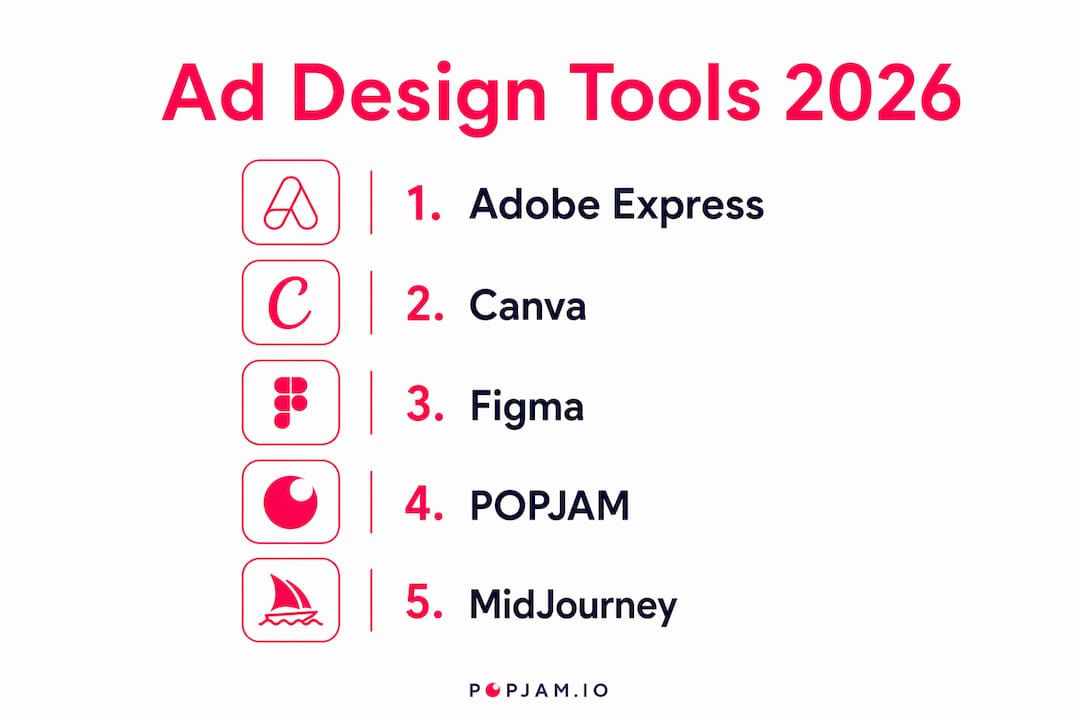
| Tool | Best For | Platform Support | Ease of Use | Pricing | Unique Capability |
|---|---|---|---|---|---|
| Adobe Express | Multi-platform ad creation | TikTok, Google, LinkedIn, Amazon, Meta | Very easy | Free + paid tiers | Safe Zones tool, direct platform export |
| Canva | Drag-and-drop with AI assist | Web, iOS, Android | Very easy | Free + Pro | Magic Studio AI suite |
| Figma | Team design systems | Web, desktop | Moderate | Free + paid tiers | Real-time collaboration, multi-format export |
| Adobe Illustrator | Custom vector ad art | Desktop (Mac/Win) | Advanced | Creative Cloud subscription | Industry-standard vector tools |
| Adobe InDesign | Print and digital layouts | Desktop (Mac/Win) | Advanced | Creative Cloud subscription | Advanced page layout controls |
| Crello (VistaCreate) | Video and social ads | Web, iOS, Android | Easy | Free + paid tiers | Video templates and animation |
| PicMonkey | Photo-based social content | Web, iOS, Android | Easy | Subscription-based | Intuitive retouching and effects |
| Venngage | Data-driven ad visuals | Web | Easy | Free + paid tiers | Infographic-focused templates |
| PhotoScape X | Image enhancement for ads | Desktop (Mac/Win) | Moderate | Free + paid | Batch editing, raw file support |
| Krita | Custom illustration for ads | Desktop (Mac/Win/Linux) | Advanced | Free (open-source) | Advanced digital painting |
| MidJourney | AI-generated ad imagery | Web (Discord-based) | Moderate | Subscription-based | Creative AI image generation |
| Vectr | Basic vector ad creation | Web, desktop | Very easy | Free | Simple vector editor |
| CorelDRAW | Professional vector design | Desktop (Mac/Win) | Advanced | Subscription or one-time | Precision design and file compatibility |
| HunchAds | Automated banner variations | Web | Moderate | Subscription-based | High-volume banner automation |
| Abyssale | Rapid banner ad production | Web | Easy | Subscription-based | AI-assisted template customization |
| AdCreative.ai | Conversion-focused creatives | Web | Easy | Subscription-based | AI ad suggestions from best practices |
| Filmora | Video ad creation | Desktop, mobile | Easy | Free + paid tiers | Beginner-friendly video editing |
| POPJAM.IO | Pre-launch ad testing + AI generation | Meta, Google, TikTok, LinkedIn, Reddit | Easy | Subscription + credit packs | Synthetic persona testing before launch |
Pro Tip: If you’re running paid campaigns on multiple channels, prioritize tools with direct platform integrations. Exporting to Google Performance Max, TikTok, and LinkedIn from a single workspace cuts publishing time dramatically.
How do these tools compare in depth?
Let’s get into the specifics. Not every tool deserves the same word count, so the treatment below matches the actual substance each one brings.
Adobe Express and Canva: the everyday workhorses
Adobe Express is the strongest all-rounder for marketers who need to publish fast. Its direct export to TikTok, Google, LinkedIn, and Amazon means you’re not downloading files and re-uploading them manually. The Safe Zones feature shows you exactly which parts of your creative will be hidden by platform UI elements once the ad goes live, which saves real revision cycles. A free plan exists, with paid tiers unlocking premium assets and brand kits.

Canva’s Magic Studio bundles Magic Edit, Magic Write, and Magic Media into one workspace, so you can draft copy, edit images, and generate video clips without switching apps. It’s the go-to for teams without dedicated designers. Collaboration features let multiple people edit the same file in real time, which agencies and in-house teams both rely on heavily.
Figma: built for teams with complex workflows
Figma shines when you’re building a reusable design system rather than one-off ads. Its component-based approach means a brand update propagates across every ad variant automatically. The learning curve is steeper than Canva, but for teams producing hundreds of ad variations per month, that upfront investment pays off. Real-time collaboration is genuinely best-in-class here.
The Adobe professional suite: Illustrator and InDesign
Adobe Illustrator remains the industry standard for vector-based ad art. If your campaign requires intricate custom illustrations or precise logo treatments, nothing else matches it. Adobe InDesign is the right call for print campaigns or multi-page digital brochures where layout precision matters more than speed. Both tools carry a Creative Cloud subscription cost and a real learning curve, so they’re best suited to experienced designers rather than marketing generalists.
Mid-tier tools worth knowing
Crello (now VistaCreate) fills the gap between Canva and a full video editor. Its animated templates and video ad options make it practical for small businesses that need motion content without hiring a video producer. PicMonkey targets photo-heavy social content with strong retouching tools and an interface that feels approachable from day one.
Venngage is the specialist pick for data-driven ads. If your campaign centers on a stat, a comparison chart, or a report excerpt, Venngage’s infographic templates give you a head start that generic design tools can’t match.
PhotoScape X handles batch editing and raw file processing, which matters when you’re preparing large asset libraries for a campaign launch. Krita is free, open-source, and built for illustrators who want full control over custom ad artwork without a subscription.
AI image generation: MidJourney
MidJourney produces genuinely distinctive imagery that stock photo libraries can’t replicate. The Discord-based interface is unconventional, but the output quality for concept-driven ad visuals is hard to beat. It works best as a creative starting point, with final polish applied in a dedicated design tool.
Vector tools: Vectr and CorelDRAW
Vectr is the no-cost option for basic vector work. It’s not powerful enough for complex campaigns, but for a small business that needs a clean banner or simple logo-based ad, it gets the job done. CorelDRAW sits at the professional end, with deep file compatibility and precision tools that rival Illustrator, particularly popular in print production environments.
Automation-first platforms: HunchAds, Abyssale, and AdCreative.ai
These three tools exist to solve a specific problem: producing ad variations at scale without manual effort. HunchAds automates banner variation generation, which is valuable for performance marketers running dynamic creative optimization across large catalogs. Abyssale uses AI to customize templates rapidly, cutting production time for teams that need dozens of size variants per campaign. AdCreative.ai generates conversion-focused creatives using best-practice patterns, making it useful for performance marketers who want AI-guided creative suggestions rather than a blank canvas.
Filmora: video ads without the learning curve
Filmora sits in a sweet spot for marketers who need polished video ads but have no prior editing experience. Its timeline-based editor is far more approachable than Premiere Pro, and its template library covers most social video formats. It’s a practical choice for brands adding video to their mix for the first time.
POPJAM: generate, test, then launch
POPJAM operates differently from every other tool on this list. It combines AI creative generation with synthetic audience simulation, letting you test how different buyer personas respond to your ad before it goes live. That pre-launch validation loop is what separates it from tools that only produce creatives. For e-commerce brands, SaaS teams, and agencies running performance campaigns, the ability to get psychographic feedback on a creative before spending budget is a meaningful shift in how ad production works.
How to create effective digital ads using these tools
The process is more repeatable than most marketers treat it. Here’s how to run it well.
- Start with a platform-specific template. Every major tool offers templates sized for specific placements. Use them. Sizing errors waste production time and get ads rejected.
- Prioritize visuals over text. Imagery or video should occupy roughly 80% of your ad space for platforms like Facebook, where text-heavy creatives underperform.
- Use Safe Zones. Adobe Express’s Safe Zones tool, and similar features in other platforms, show you where UI elements like captions or navigation menus will cover your creative. Ignoring this is one of the most common causes of costly revisions.
- Write one clear call to action. Not two. One. Every word in your CTA competes for attention, so cut anything that dilutes the main ask.
- Export in the right format. Static ads typically export as PNG or JPEG; video ads as MP4. Check platform specs before exporting, not after.
- Collaborate before finalizing. Tools like Canva and Figma let teammates comment directly on the design. Use that loop to catch brand inconsistencies early.
Pro Tip: Treat creative production as a repeatable system, not a one-off project. Build a template library, document your brand specs, and assign clear ownership for each step. Teams that systematize this process ship more ads with less back-and-forth.
How do you choose the right ad design tool for your business?
The right tool depends on what you’re actually building and who’s building it. Here’s a practical checklist.
- What ad formats do you need? Static images, video, animated banners, and AI-generated art each favor different tools. Filmora for video, MidJourney for AI imagery, HunchAds for banner automation.
- Where will the ads run? If you’re publishing to TikTok, Google, LinkedIn, and Amazon regularly, a tool with direct platform integrations like Adobe Express saves hours per week.
- What’s your team’s skill level? Canva and Adobe Express work for non-designers. Illustrator, CorelDRAW, and Figma reward experience. Honest assessment here prevents tool abandonment after two weeks.
- Do you work in a team? Canva and Figma both offer real-time collaborative editing, which matters for agencies and multi-stakeholder brands.
- How often do you produce ads? High-volume teams benefit from automation tools like HunchAds or Abyssale. Low-volume teams don’t need that overhead.
- Do you want to test before you spend? If pre-launch creative validation matters to you, POPJAM’s synthetic persona testing is the only tool on this list built specifically for that use case.
- Is there a free trial? Adobe Express, Canva, Krita, and Vectr all offer free access. Test before committing to a paid plan.
The honest answer for most marketing teams: start with Canva or Adobe Express for general use, add a specialist tool when a specific format demands it, and consider POPJAM when creative testing becomes a priority.
What makes POPJAM’s AI approach different from other ad tools?
Most ad design tools stop at creation. POPJAM goes further. Its platform combines AI-powered creative generation with synthetic audience simulation, producing psychographic feedback on your ad before it ever reaches a real person.
That distinction matters practically. A creative that looks polished internally can still miss the mark with a specific buyer segment. POPJAM’s Synthetic Personas simulate how different psychographic profiles respond to your ad composition, giving you qualitative and quantitative feedback you can act on before launch. For agencies managing multiple client campaigns, that loop reduces the “post and pray” cycle that burns budget without learning anything.
POPJAM supports ad formats across Meta, Google, TikTok, LinkedIn, and Reddit, covering images, video, animation, social posts, email, and presentations. Its GDPR-compliant audience simulation means teams in regulated industries can use it without additional compliance overhead. Marketing professionals increasingly rely on AI creative automation systems that integrate creation with psychographic testing, and POPJAM is built around exactly that workflow.
AI-generated UGC-style video ads are also gaining ground because they resonate better with digital audiences by appearing more genuine than polished productions. POPJAM’s creative generation capabilities sit squarely in that trend, letting teams produce on-brand content that feels native to each platform without expensive video shoots.
How were these tools evaluated?
Every tool on this list was assessed against a consistent set of criteria: platform support (which ad channels it connects to natively), ease of use (how quickly a marketing generalist can produce a publishable ad), template quality and customization depth, AI capabilities, collaboration features, export formats, and pricing accessibility.
For AI-driven tools specifically, the evaluation went deeper. We looked at whether the AI output was genuinely usable without heavy manual correction, whether the tool integrated testing or performance feedback into the creative workflow, and whether the automation reduced production time in a meaningful way rather than just adding a generation step. Tools like AdCreative.ai, Abyssale, and POPJAM were assessed on the quality of their AI suggestions and the degree to which they close the loop between creative production and campaign performance.
Pricing was evaluated across free tiers, base subscriptions, and usage-based models, since the right pricing structure depends heavily on ad volume. A tool that’s affordable at 10 ads per month can become expensive at 500. Collaboration and team features were weighted more heavily for agency and enterprise use cases, and solo-friendly tools were noted separately for individual marketers and small businesses.
Key Takeaways
The most effective approach to ad design in 2026 is pairing a fast multi-platform creation tool with a pre-launch testing layer, so you know what works before you spend.
| Point | Details |
|---|---|
| Multi-platform tools save the most time | Adobe Express and Canva both export directly to major ad platforms, cutting manual publishing steps. |
| Visuals should dominate ad space | Imagery or video should occupy roughly 80% of the ad space, as recommended for platforms like Facebook, where text-heavy creatives underperform. |
| AI tools now close the creative loop | Platforms like POPJAM add synthetic audience testing to creation, reducing wasted spend before launch. |
| Tool choice depends on format and team skill | Video, vector, and AI-generated ads each favor different tools; match the tool to the actual output needed. |
| POPJAM for pre-launch validation | POPJAM’s Synthetic Personas give psychographic feedback on creatives before any budget is committed. |
POPJAM: test your creatives before you spend a dollar
Most ad tools hand you a finished creative and wish you luck. POPJAM does something different. Before your ad ever reaches a live audience, its AI ad generator runs it through Synthetic Personas built from real psychographic profiles, so you get actual feedback on what’s landing and what isn’t.
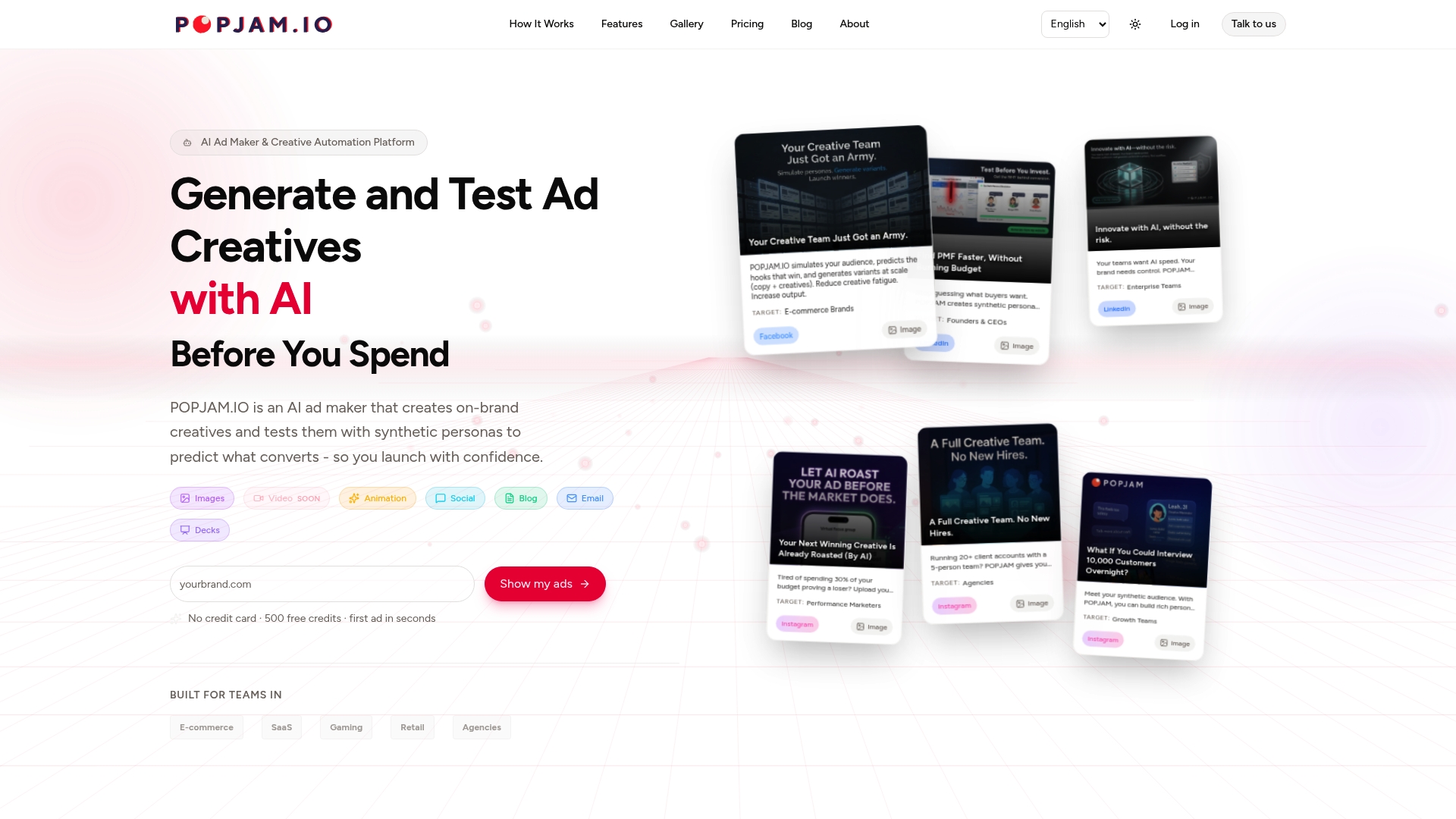
For e-commerce brands, SaaS teams, and agencies tired of burning budget on creatives that underperform, that pre-launch validation is the missing piece. You’re not guessing anymore. You’re shipping ads that have already been stress-tested against your buyer segments. POPJAM covers Meta, Google, TikTok, LinkedIn, and Reddit, and its subscription tiers scale from individual marketers to full enterprise teams. If you want to see how AI-driven creative automation actually works in practice, it’s worth a look.